
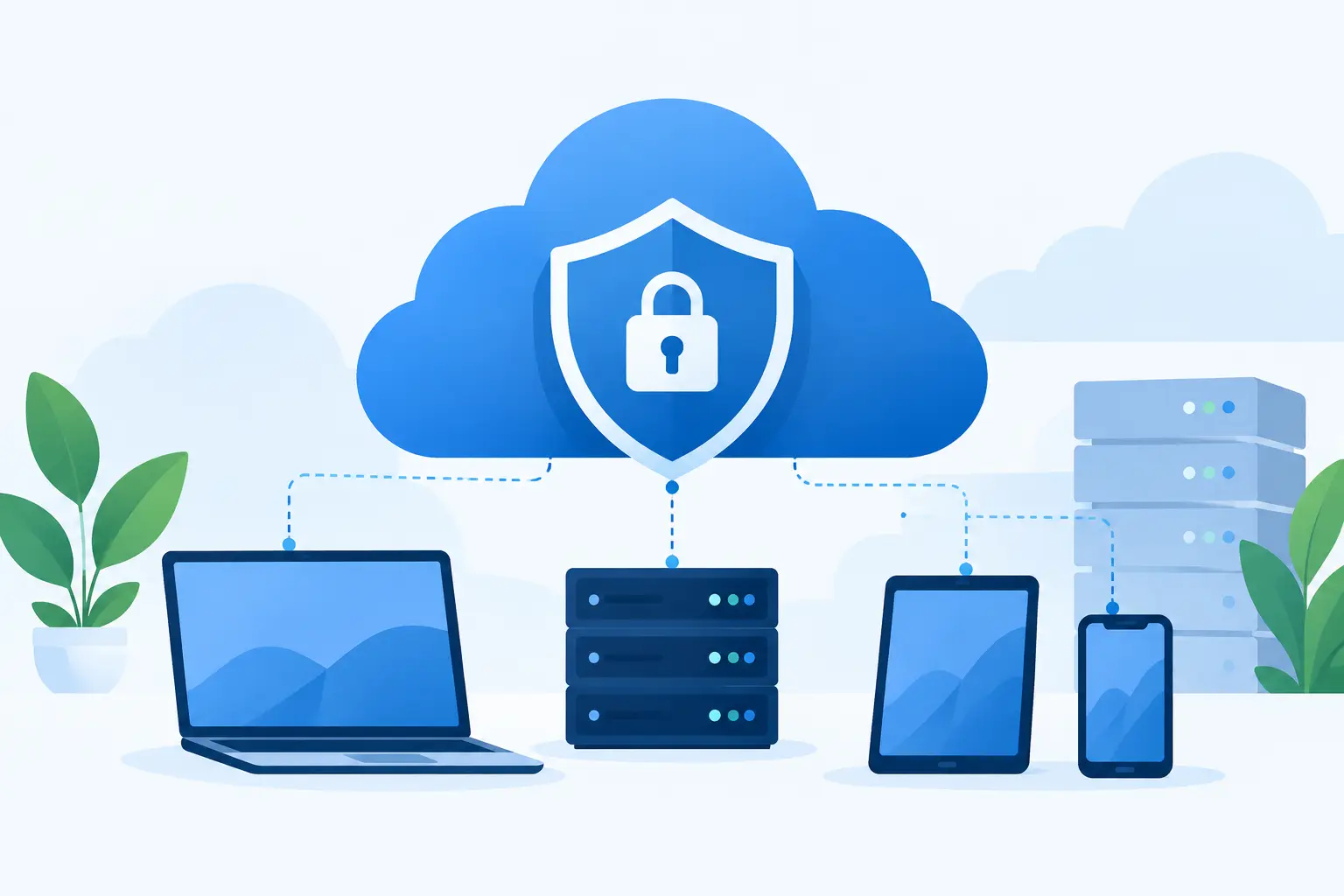
A cloud launch can turn a promising product into a costly incident if security is treated as a final checklist item. This guide to secure cloud deployment helps business leaders and product teams make security part of the architecture, delivery process, and long-term operating plan – not a last-minute task handed to developers before release.
For startups and growing businesses, the goal is not to build the most complicated environment possible. It is to create a cloud foundation that protects customer data, supports reliable releases, and gives your team clear control as the application grows. The right approach depends on your industry, compliance obligations, product complexity, and internal technical capacity. Still, the core decisions are consistent across most web platforms, mobile apps, AI automation systems, and enterprise integrations.
Start With the Business Risk, Not the Cloud Console
Cloud providers offer powerful security services, but tools alone do not define a secure deployment. Start by identifying what could materially affect the business. A customer-facing e-commerce platform has different risks than an internal workflow automation system, while a healthcare or financial application may carry strict regulatory requirements from the beginning.
Map the data your application collects, processes, and stores. Identify where customer records, payment information, credentials, proprietary files, and AI prompts or outputs travel. Then determine who needs access to each category of information and what would happen if it were exposed, altered, or unavailable.
This exercise prevents two common mistakes: underbuilding security for sensitive systems and overspending on controls that do not match the actual risk. It also creates useful alignment between founders, operations leaders, developers, and compliance stakeholders before architecture decisions become expensive to change.
Build a Secure Cloud Deployment Foundation
A secure cloud environment begins with separation. Development, testing, staging, and production should not share the same accounts, credentials, databases, or unrestricted access paths. Separate environments reduce the chance that an experiment, test script, or unfinished feature reaches live customer data.
Production deserves the strongest controls because it contains real users and business-critical operations. Limit access to the smallest practical group, require additional authentication, and make changes traceable. Development environments can be more flexible, but they should still avoid using unmasked production data. If teams need realistic datasets for testing, use anonymized or synthetic records whenever possible.
Network design matters as well. Public-facing application components may need internet access, but databases, queues, internal services, and administrative tools usually do not. Place private resources behind controlled network boundaries and allow only the specific connections the application requires. This reduces the attack surface without creating unnecessary complexity.
Apply least-privilege access from day one
Most damaging cloud incidents involve access that was broader, older, or less visible than it should have been. Give each employee, contractor, service, and automated process only the permissions required for its assigned work. Avoid shared administrator accounts and permanent high-level access for convenience.
Use role-based access controls so a developer can deploy an approved service without gaining authority to alter billing, export databases, or manage every user account. Require multi-factor authentication for administrative access. For sensitive operations, consider time-limited privileged access that must be requested and approved when needed.
Access reviews should be part of normal operations, especially after role changes, contractor offboarding, or organizational restructuring. A secure system is not static. Permissions that made sense six months ago may no longer be appropriate.
Protect secrets before they reach source code
API keys, database passwords, signing certificates, third-party tokens, and encryption keys should never be hardcoded in application code or stored in casual documents and chat threads. Use a dedicated secrets management service and give workloads controlled access to only the secrets they need at runtime.
This distinction is critical for mobile apps and web applications. Anything shipped to a user device or browser can be inspected. Private credentials must remain on protected server-side infrastructure, even when the app needs to interact with a third-party service.
Create a process for rotating secrets on a schedule and immediately after a suspected exposure. Automated rotation is preferable for high-value credentials, but a documented manual process is better than leaving old keys active indefinitely.
Make Security Part of the Release Pipeline
Manual deployments may work for an early prototype, but they become risky as releases become more frequent and more people contribute to the product. A controlled deployment pipeline creates repeatable checks before changes reach production.
Your pipeline should build the application, run automated tests, scan dependencies for known vulnerabilities, check infrastructure configuration, and produce an auditable deployment record. It should also prevent unreviewed code from moving directly into production. The exact tools can vary by cloud platform and development stack; the practice of consistent validation should not.
Infrastructure as code is especially valuable because cloud settings become version-controlled, reviewable, and repeatable. Rather than relying on someone to remember which firewall rule, storage setting, or service permission was configured months ago, teams can define those requirements in code and apply them consistently across environments.
Security scanning is not a guarantee that an application is safe. Automated tools can miss business-logic flaws, authorization errors, and unsafe workflows. Pair automated checks with code review, targeted application testing, and threat modeling for high-impact features such as payments, account recovery, file uploads, or AI actions that can alter business records.
Encrypt Data and Plan for Recovery
Encrypt data in transit using current transport security protocols and encrypt stored data in databases, object storage, backups, and managed services. Most cloud providers support encryption by default or with straightforward configuration, but teams still need to verify settings and understand who controls the encryption keys.
For many organizations, provider-managed keys are a practical starting point. Customer-managed keys can offer greater control and stronger separation for regulated or enterprise use cases, but they also introduce operational responsibility. If a team mismanages access to a key, it can make its own data unavailable. Choose the model that fits the organization’s risk profile and ability to operate it reliably.
Backups are equally important. A secure deployment must account for accidental deletion, ransomware, failed updates, and regional service interruptions. Establish backup retention periods, store copies separately from the primary environment, and test restoration. A backup that has never been restored is an assumption, not a recovery plan.
Monitor What Matters and Respond Quickly
Logging should answer practical questions: Who accessed the system? What changed? Did an unusual volume of requests occur? Did an automated job fail? Are users receiving errors after a release? Centralized logs, metrics, and alerts give technical teams the visibility to identify problems before they become extended outages or security events.
Do not alert on everything. Too many low-value notifications train teams to ignore the signals that matter. Prioritize failed administrative logins, permission changes, unusual data access, deployment failures, service health problems, and activity outside expected patterns.
An incident response plan should define who investigates, who makes technical decisions, who communicates with customers, and how the team preserves evidence. For a small business, this may be a concise playbook with named contacts and escalation steps. For an enterprise platform, it may include formal severity levels, legal review, and customer notification procedures. The key is to decide before pressure and uncertainty arrive.
Keep Security Active After Launch
Cloud deployment is not the finish line. New features introduce new permissions, third-party services change their behavior, dependencies develop vulnerabilities, and user access expands as the company grows. Schedule regular reviews of cloud configuration, access roles, logs, backups, and application dependencies.
Teams should also track ownership. Every production service needs a person or group accountable for updates, availability, and security decisions. When ownership is unclear, outdated services and unmanaged credentials tend to accumulate quietly.
For companies without a full internal engineering or security team, a long-term technology partner can provide architecture oversight, release discipline, maintenance, and responsive support. SolidAppMaker approaches cloud delivery as part of the full product lifecycle, connecting secure architecture with the business goals the application is meant to achieve.
The most useful next step is simple: choose one upcoming deployment, map its data and access paths, then identify the single control that would reduce its greatest risk. That focused action turns cloud security from a vague concern into a system your business can manage and improve.