
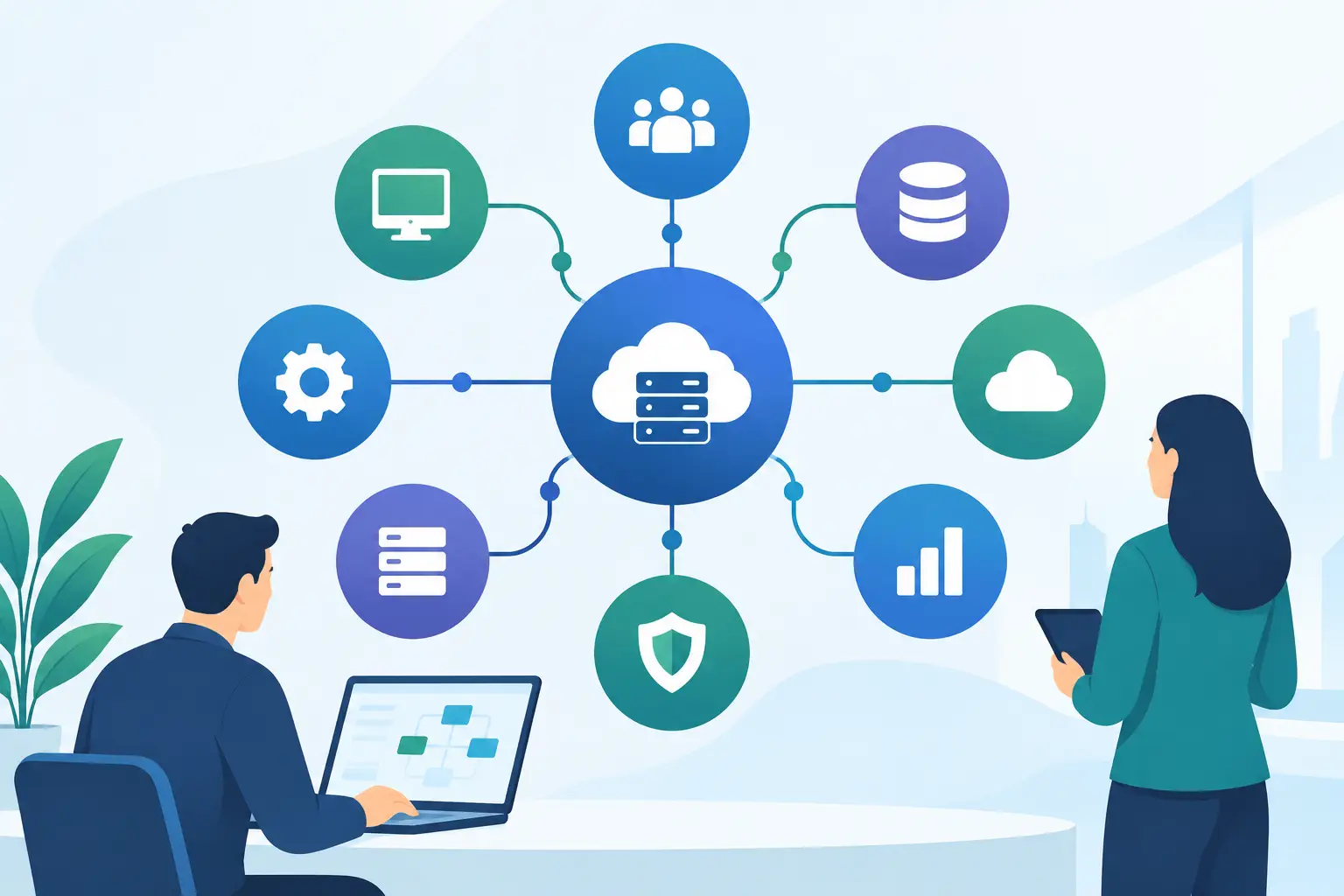
A sales team should not need to copy customer details from a CRM into an accounting platform. Operations should not wait for a spreadsheet export to see whether inventory is available. This guide to enterprise system integration is for leaders who want their core business systems to share reliable information, support faster decisions, and reduce the manual work that slows growth.
Enterprise integration is not simply a technical project to connect two applications. It is an operating-model decision. The way systems exchange data affects customer experience, reporting accuracy, security, employee productivity, and the organization’s ability to add new products, locations, teams, or channels without creating another layer of workarounds.
What enterprise system integration actually solves
Most growing companies accumulate software one decision at a time. A CRM supports sales. An ERP or accounting system manages financial activity. An e-commerce platform processes orders. A warehouse tool tracks fulfillment. Marketing automation, customer support, HR, analytics, and internal applications each serve a valid purpose.
The problem begins when each platform becomes its own version of reality. A customer record may have one address in the CRM, another in billing, and a third in support. An order can show as completed in e-commerce but remain invisible to fulfillment. Leaders spend hours reconciling reports because the underlying data was never designed to move consistently.
A well-planned integration creates governed connections between systems so information moves when it should, in the format each system requires. That may mean syncing a new customer from a website to the CRM, pushing approved orders to an ERP, updating shipment status for support teams, or consolidating operational data into a reporting environment.
The goal is not to connect everything to everything. The goal is to create dependable workflows that support a specific business outcome.
Start with workflows, not software
The fastest way to create an expensive integration is to begin with an API discussion before defining the business process. APIs, webhooks, middleware, event queues, and custom connectors are implementation choices. They matter, but they should follow the workflow design.
Start by mapping the process that causes the most friction. For example, an order-to-cash process may begin with a customer placing an order, continue through credit approval and fulfillment, and end with invoicing and payment reconciliation. Identify who owns each step, which system is used, what data is created or changed, and where people currently intervene manually.
Then define success in measurable terms. The business may need orders available to fulfillment within two minutes, fewer than one percent of records requiring manual correction, or a daily leadership dashboard that reflects prior-day revenue without spreadsheet consolidation. Clear measures keep the project focused when technical options multiply.
It also helps to distinguish between real-time and scheduled needs. A support representative may need current order status immediately. Finance may only need a nightly ledger export. Real-time integration can improve service and responsiveness, but it is usually more complex and more expensive to operate. Use it where timing has genuine business value.
Establish a source of truth for every critical record
Data ownership is one of the most overlooked parts of enterprise integration. When two systems can both edit customer details, product data, or order status, conflicts are inevitable unless the rules are explicit.
For each core entity, assign a system of record. The CRM might own leads and account contacts. The ERP may own bill-to details, invoices, and payment status. A product information system may own item descriptions and specifications. Other systems can receive and display that information, but they should not overwrite the authoritative record without an approved process.
This does not mean one platform must own every field. A support platform may capture a preferred contact time, while the CRM remains the master customer system. What matters is defining field-level rules where ownership overlaps. Teams need to know which update wins, how duplicates are handled, and whether a change should flow in one direction or both.
Data quality should be addressed before migration or synchronization begins. Standardize naming conventions, identify duplicate records, validate required fields, and decide how legacy exceptions will be treated. Integration can move bad data very efficiently. Cleaning it early protects the value of the new architecture.
Choose an integration approach that fits the business
There is no single best architecture. The right approach depends on the number of systems, expected transaction volume, security obligations, internal technical capacity, and the cost of downtime.
Point-to-point integrations can be effective when a company has a small number of stable applications and straightforward workflows. They can be quick to launch, but direct connections become difficult to maintain as more systems are added. A change in one application can have unexpected effects elsewhere.
An integration platform or middleware layer is often a stronger choice for organizations with multiple core systems. It centralizes orchestration, transformation, monitoring, and error handling. This can reduce long-term complexity, though it introduces another platform to govern and support.
Custom API integrations are valuable when commercial connectors cannot support unique processes, proprietary systems, complex business rules, or specialized customer experiences. They provide control and flexibility, but they require disciplined documentation, testing, security review, and ongoing maintenance as vendor APIs evolve.
Event-driven architecture can be appropriate for high-volume or time-sensitive operations. Instead of asking one system repeatedly whether a change occurred, a system publishes an event such as “order created” or “payment received.” Other approved systems react to that event. This approach can improve responsiveness, but it requires careful design for retries, duplicate messages, sequence issues, and observability.
Design security and resilience into the connection
Integration expands the surface area of your technology environment. Every connection, credential, data transfer, and user permission should be treated as part of the security architecture.
Use least-privilege access so each integration has only the permissions required to complete its job. Store credentials securely rather than embedding them in code. Encrypt sensitive data in transit and, where applicable, at rest. Maintain audit logs that show what moved, when it moved, and whether it was changed or rejected.
Resilience is equally important. APIs fail, rate limits are reached, a downstream platform may be temporarily unavailable, and malformed records will appear. A production-ready integration needs retry rules, alerts, error queues, and a clear process for resolving failed transactions. Silent failure is one of the most costly integration risks because it often surfaces only after a customer, vendor, or executive report exposes the gap.
For regulated businesses, involve compliance and security stakeholders early. Requirements related to financial records, healthcare data, personal information, retention, or access controls can change both architecture and delivery timelines.
Build and test in controlled stages
A successful integration program should be delivered in phases rather than released as a single high-risk change. Begin with the workflow that has a clear business owner and meaningful value. Prove the data model, connection method, monitoring approach, and support process before expanding to adjacent systems.
Testing should go beyond confirming that data arrives. Validate field mappings, permissions, duplicate prevention, failure behavior, reporting outputs, and the experience of the employees who will use the new workflow. Test unusual but realistic situations: canceled orders, partial shipments, updated customer records, unavailable services, and duplicate webhook events.
User acceptance testing is where business teams confirm that the integration supports the process they actually run. Their feedback often reveals missing exception paths that technical teams cannot infer from an API specification alone.
Before launch, prepare rollback plans, support ownership, escalation paths, and performance baselines. Post-launch monitoring should be active from day one. A connection that works at low volume may behave differently during seasonal demand, a marketing campaign, or a major platform update.
Make integration a managed capability
Enterprise system integration is not finished when the first workflow goes live. Business systems change, vendors deprecate API versions, departments adopt new tools, and leadership asks new questions of the data. Without ownership and maintenance, even a well-built connection gradually becomes a source of risk.
Assign responsibility for integration governance across business and technology leaders. Maintain documentation for system ownership, data mappings, dependencies, credentials, and support procedures. Review integrations periodically to identify redundant flows, slow processes, rising error rates, and new automation opportunities.
For organizations without a full internal engineering team, a long-term technology partner can provide the architecture, implementation, monitoring, and improvement cycle needed to keep integrations aligned with growth. SolidAppMaker approaches this work as part of a broader product and operations strategy, connecting technical execution to the outcomes leaders need to measure.
The most valuable next step is rarely a large platform purchase. Choose one workflow where employees repeatedly re-enter data, customers wait for an update, or leaders question the numbers. Map it carefully, define the result that matters, and build the connection in a way your business can support as it grows.