
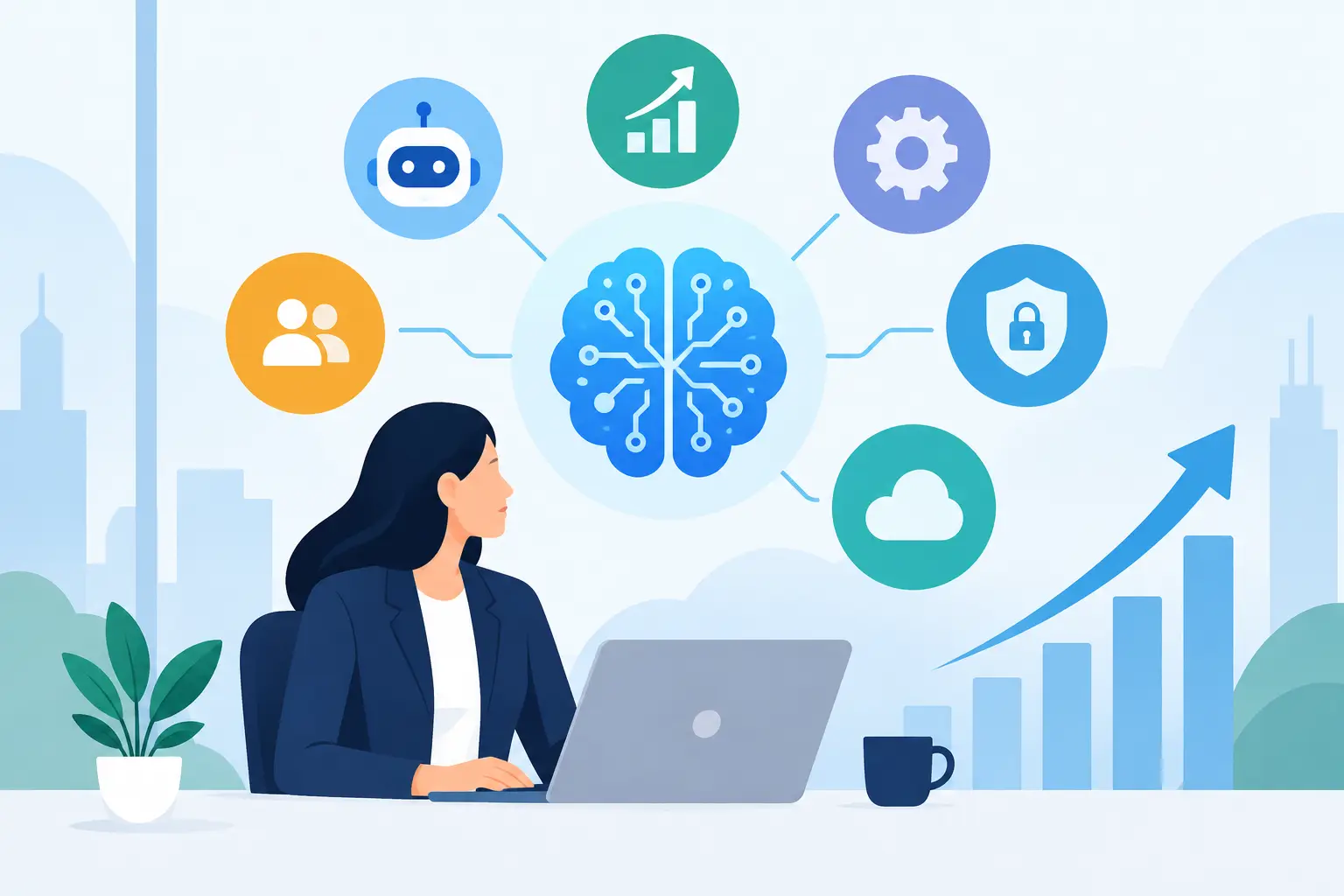
A support team that manually sorts hundreds of customer emails is not facing a future AI problem. It is facing a current operating-cost problem. The same is true for sales teams chasing incomplete leads, operations managers reconciling data across systems, and founders waiting weeks for basic reporting. AI software trends matter because they are changing the practical economics of running a business.
The most valuable shift is not a chatbot added to a website or a flashy feature inside an existing platform. It is the move toward AI systems that can understand business context, take controlled action, and improve the workflows where time, accuracy, and responsiveness directly affect growth.
AI Software Trends Are Moving Into Core Workflows
For several years, many companies treated AI as a standalone experiment. Teams purchased tools, tested prompts, and generated content or meeting notes. Those use cases still have value, but business leaders now expect more: connected systems that reduce repetitive work without creating new oversight problems.
That expectation is driving AI deeper into customer relationship management platforms, enterprise resource planning systems, internal knowledge bases, mobile applications, and custom operational software. Instead of asking employees to copy information between tools, businesses are building workflows that capture a request, classify it, retrieve the right data, prepare a response or action, and route it for human approval when needed.
This is a meaningful distinction. A generic AI tool can help an individual work faster. A properly designed AI-enabled workflow can improve how an entire department operates. The second approach requires stronger architecture, clearer data ownership, security controls, testing, and ongoing measurement. It also creates a more durable business advantage.
AI agents will be judged by outcomes, not demos
AI agents are designed to complete multistep tasks using defined instructions, connected data sources, and approved tools. In a business setting, an agent might qualify inbound leads, identify missing documentation in an application, prepare a project status update, or flag orders that need human review.
The opportunity is real, but the word “agent” is often used too loosely. An agent should not be given unrestricted access to critical systems simply because it can produce convincing output. High-value implementations set boundaries around what the system can read, write, approve, and escalate.
A useful model is to begin with narrow, repeatable work. Let an AI agent draft a response, assemble a case summary, or recommend the next action. Keep a qualified employee in the approval loop for decisions that affect money, contracts, customer commitments, compliance, or brand reputation. As accuracy and governance mature, selected tasks can become more automated.
The Business Case Is Workflow Design, Not Tool Collection
Companies can now choose from a crowded market of AI copilots, automation platforms, model providers, analytics products, and industry-specific applications. Buying several subscriptions may feel like progress, yet disconnected tools often create duplicate data, inconsistent processes, and unclear accountability.
The better question is not, “Which AI tool should we buy?” It is, “Which business bottleneck is expensive enough to redesign?”
Start by examining workflows with high volume, predictable steps, fragmented information, or long response times. A property management company may need faster maintenance request triage. A professional services firm may need a dependable way to turn calls and emails into project actions. An e-commerce business may need better demand signals and faster customer support. The appropriate AI solution depends on the process, the data quality, and the cost of being wrong.
A custom integration is often more valuable than another interface for employees to learn. When AI capabilities connect securely to the systems already used for customer records, inventory, scheduling, billing, or project delivery, they can support decisions in the flow of work rather than becoming another destination.
Multimodal AI expands what software can understand
Text remains central, but modern AI software increasingly works across documents, images, audio, video, and structured data. That creates practical opportunities for businesses that rely on invoices, inspection photos, recorded calls, forms, field reports, product catalogs, or technical documentation.
For example, a field-service application could use image recognition to identify visible issues, combine that input with customer history, and create a technician-ready work order. A healthcare-adjacent organization might use document processing to extract information from forms, while maintaining strict access controls and a human validation process. A manufacturer could analyze production notes and sensor data together to identify recurring quality concerns.
Multimodal systems are not automatically accurate. Image quality, inconsistent forms, noisy recordings, and incomplete historical records can all reduce performance. The practical approach is to define acceptable confidence levels and provide an alternate path when the system is uncertain.
Governance Is Becoming a Product Requirement
As AI reaches more business data, governance is no longer a legal or IT concern that can be addressed after launch. It is part of product design. Customers, employees, and enterprise buyers will increasingly ask where data goes, what models can access it, how long it is retained, and who is accountable for automated decisions.
This does not mean every company needs a large internal AI governance committee. It does mean each implementation needs documented rules. Teams should know which data is allowed in an AI workflow, which data requires redaction or special protection, how outputs are reviewed, and how incidents are handled.
Four controls deserve early attention:
- Role-based access that limits who can view data and trigger actions.
- Clear audit trails for prompts, outputs, approvals, and system changes.
- Evaluation tests that measure accuracy, consistency, bias, and failure modes before release.
- Monitoring that detects performance drift after deployment as data, policies, and customer behavior change.
For regulated industries, these safeguards are essential. For every other business, they are still good operating discipline. AI software that cannot be trusted will not be adopted, regardless of how advanced it appears.
Smaller models and private deployments have a growing role
The largest general-purpose models receive most of the attention, but they are not the right answer for every job. Some business tasks require speed, lower cost, predictable formatting, or tighter data control rather than broad reasoning across the open-ended web.
Smaller or specialized models can be effective for classification, extraction, routing, and structured internal tasks. In certain cases, businesses may choose private cloud configurations or self-hosted components to meet data and security requirements. These choices involve trade-offs: more control can mean more engineering effort, while fully managed platforms can accelerate launch but may impose vendor constraints.
Architecture should follow the use case. A customer-facing assistant that answers broad product questions may benefit from a powerful hosted model and a carefully maintained knowledge source. An internal workflow that labels incoming tickets may be better served by a faster, more focused system.
AI-First Products Need Better User Experience
Adding an AI feature does not automatically improve a product. Users need to understand what the system is doing, what information it used, and what they can change. When software presents an AI recommendation as an unexplained answer, users either overtrust it or ignore it.
Strong AI product experiences make uncertainty visible without overwhelming people. They show sources or relevant records when appropriate, let users edit generated content, offer clear escalation paths, and avoid forcing users to write elaborate prompts for routine work. The goal is not to make every employee an AI expert. It is to make sophisticated capability feel dependable and easy to use.
This is especially important in mobile applications. A field employee, sales representative, or customer should be able to use AI assistance in a few clear interactions, often with voice, camera, location, or form inputs. A cluttered interface can erase the efficiency gained by the underlying technology.
How to Prioritize AI Investments in 2026
The strongest AI roadmaps are built around measurable business goals. Rather than pursuing every new capability, leadership teams should rank opportunities based on operational impact, implementation feasibility, risk, and time to value.
A practical first project usually has a defined owner, accessible data, a repeatable process, and a baseline metric. Measure current response time, labor hours, error rate, conversion rate, or cost per case before deployment. Then measure the change after launch. This creates a factual basis for expanding, redesigning, or stopping the initiative.
It also helps to plan AI work as a product lifecycle rather than a one-time development effort. Models change, data changes, and business rules change. A system that performs well in its first month may need new evaluations, prompt updates, integration changes, or interface improvements six months later. Maintenance is not an afterthought. It is how an AI investment stays accurate, secure, and commercially useful.
For founders and business leaders, the next step is straightforward: choose one workflow where delay, duplication, or inconsistency is already costing the business money. Define the desired outcome, the people affected, the systems involved, and the limits the automation must respect. With a structured delivery process, a technology partner such as SolidAppMaker can turn that operational problem into a scalable product capability that keeps improving after launch.