
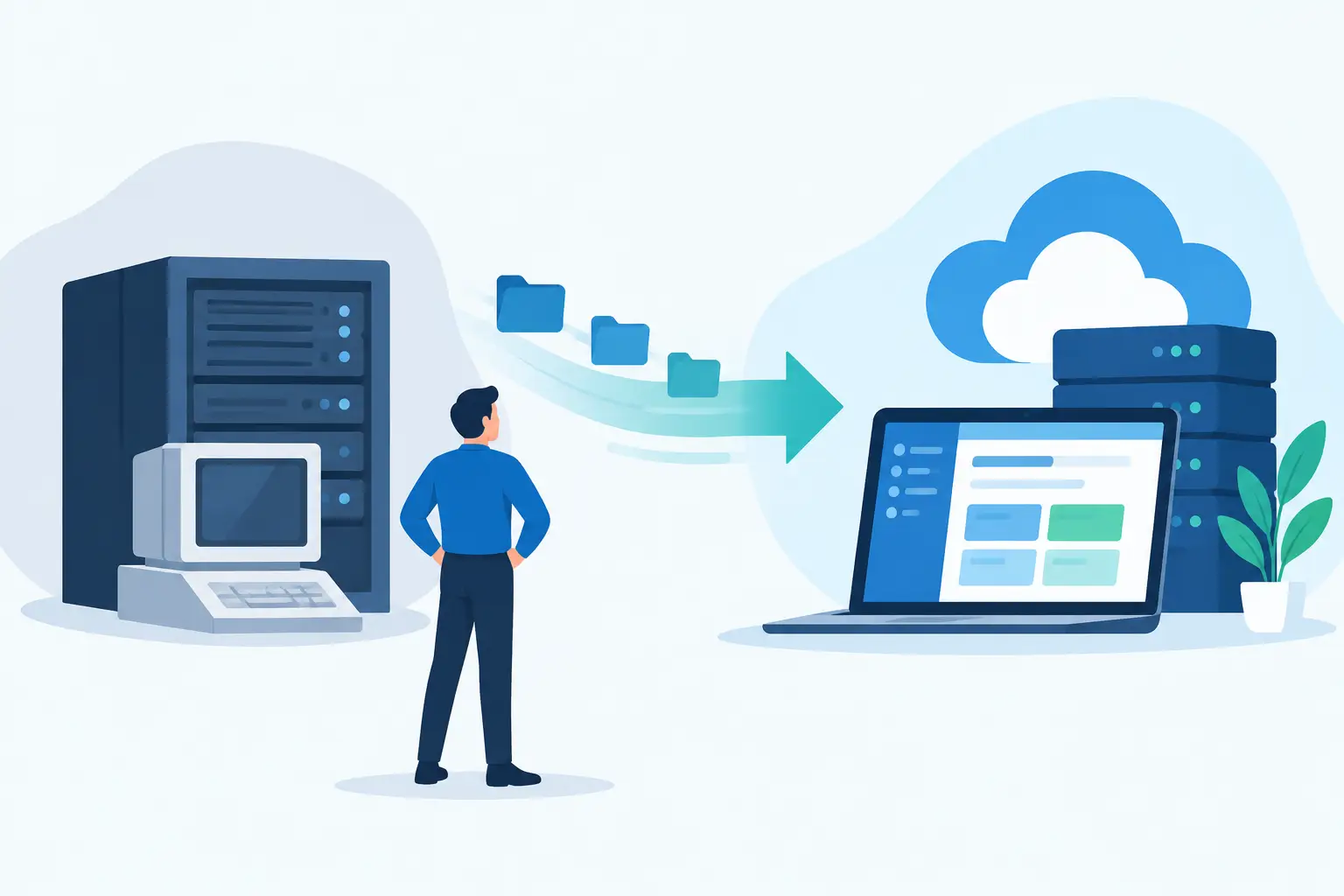
A legacy system rarely fails all at once. It slows approvals, forces teams into spreadsheets, makes reporting unreliable, and turns routine changes into expensive technical projects. The decision to migrate legacy business software is not simply an IT upgrade. It is a business decision about reducing operational risk, improving customer experience, and creating room to grow without adding manual work.
The challenge is that these systems often still run essential parts of the company. They may hold years of customer history, manage inventory, support billing, or connect departments through custom processes that nobody has fully documented. Replacing them carelessly can create more disruption than keeping them. A successful modernization effort requires a clear business case, disciplined planning, and a partner that can manage both the technical architecture and the people affected by the change.
Start With the Business Problem, Not the Replacement Platform
Many migration projects begin with a solution in mind: move everything to the cloud, replace the old application with a popular SaaS product, or rebuild the existing software in a modern framework. Those approaches can be valid, but they should follow the business objective rather than define it.
Start by identifying what the current system prevents your organization from doing. Maybe operations teams cannot see real-time order status. Maybe customer service has to switch between five systems to answer a basic question. Maybe leadership cannot trust financial reports until someone manually reconciles data. These are measurable problems, and they provide the criteria for deciding what the future platform must accomplish.
A clear modernization case usually connects to outcomes such as faster processing, fewer errors, lower maintenance costs, stronger security, better customer self-service, or the ability to launch new products without rebuilding core systems. This focus also helps executives avoid a costly trap: recreating every outdated workflow simply because it exists today.
Audit What You Have Before You Migrate Legacy Business Software
A migration plan is only as reliable as the discovery work behind it. Before choosing an architecture or setting a launch date, build a complete picture of the existing environment. That includes the software itself, but also the data, integrations, users, and informal workarounds surrounding it.
Document which functions are mission-critical, which reports people rely on, where data originates, and which outside platforms depend on the system. Include APIs, scheduled jobs, file imports, payment processors, identity providers, warehouse tools, accounting platforms, and any desktop applications that exchange data with the legacy software.
This stage often reveals that the visible application is only one part of the problem. A seemingly simple customer database, for example, may feed marketing automation, invoicing, support workflows, and sales dashboards. Missing one of those dependencies can cause an otherwise successful launch to fail in production.
Data deserves its own assessment. Look for duplicate records, inconsistent naming conventions, outdated fields, missing ownership rules, and data that no longer has a business purpose. Migrating poor-quality data into a new platform preserves the old system’s problems at a higher cost. Define which data must move, what can be archived for compliance, and what should be retired.
Choose the Right Modernization Path
There is no single correct way to replace legacy software. The best path depends on the system’s condition, the value of its unique workflows, regulatory obligations, budget, and the speed required to produce results.
A commercial platform may be the right choice when your processes are standard and the organization benefits more from proven features than from custom development. This can reduce implementation time, but it may require teams to change how they work and can create ongoing vendor constraints.
Custom software is often a stronger option when the legacy application supports a genuine competitive advantage, requires specialized integrations, or contains workflows that generic platforms cannot handle well. A modern custom platform can also give the business full control over its roadmap, user experience, intellectual property, and automation opportunities.
In some cases, a phased approach delivers the best balance. Instead of replacing the entire application at once, a company can modernize a high-value module, create APIs around stable legacy functions, or introduce a new user portal while the original system continues to handle back-office processing. This reduces risk and lets teams validate the new architecture with real users.
Build a Migration Roadmap Around Risk
The biggest mistake in software modernization is treating launch day as the project. The real work is designing a controlled transition that protects the business before, during, and after release.
A practical roadmap should define the target architecture, data migration approach, integration sequence, security requirements, testing plan, training needs, and rollback procedures. It should also assign decision-makers. When questions arise about data ownership, workflow changes, or feature priorities, the project needs a clear path to resolution instead of weeks of stalled discussion.
For large or high-risk systems, staged releases are usually safer than a big-bang cutover. Run the new platform alongside the old one where practical, beginning with a limited user group, a single department, or a contained business function. Compare results, resolve edge cases, and expand only when the process performs reliably.
This approach takes planning, but it limits the operational impact of unexpected issues. It also gives users time to adapt. Adoption is not a side task. Even excellent software will underperform if teams do not understand why processes changed or how the new tools make their work easier.
Protect Data, Security, and Business Continuity
Legacy platforms commonly contain sensitive customer, employee, payment, and operational information. During migration, that data can be exposed through exported files, temporary environments, weak access controls, or poorly secured integrations. Security must be designed into the project from the beginning, not added just before launch.
Establish access roles for project teams, encrypt sensitive data in transit and at rest, and keep detailed logs of data movement. If the business operates in a regulated industry, involve compliance stakeholders early so retention, audit, privacy, and access requirements are built into the new platform.
Testing should go beyond checking whether screens load and forms submit. Teams need to test complete business scenarios: a customer places an order, an employee approves it, inventory changes, an invoice is generated, and reporting reflects the transaction correctly. Test failure conditions as well, including incomplete imports, unavailable third-party services, duplicate submissions, and permission errors.
A rollback plan is equally valuable. It does not mean expecting failure. It means knowing exactly how the business will continue operating if a critical issue appears after release. Define who can make the decision to pause a rollout, what data must be reconciled, and how users will be informed.
Treat Integration and Automation as Core Requirements
A new application that creates more disconnected systems is not real modernization. The goal is to create an operating environment where data moves reliably between the tools your teams use.
Prioritize integrations according to business impact. For some companies, the first priority is connecting order management with accounting. For others, it is syncing a customer portal with a CRM or using AI-powered workflow automation to route documents, requests, and approvals. The right sequence depends on where manual effort, delays, and errors are most expensive.
Modern APIs, event-based workflows, and centralized identity management can replace fragile file transfers and one-off scripts. But avoid integrating every tool immediately. Start with the connections that protect revenue, service delivery, compliance, or daily operations. Expand as the new platform proves its value.
Plan for Ownership After Launch
Migration is not the finish line. Software requires monitoring, performance tuning, security updates, user feedback, and an evolving product roadmap. Organizations that treat launch as the end of the engagement often find themselves with a newer version of the same legacy problem a few years later.
Define how the system will be supported after deployment. That includes ownership of source code, documentation, infrastructure access, issue response expectations, backup policies, and a process for evaluating new feature requests. A strong technical partner should provide continuity from strategy through maintenance, while helping internal leaders understand the choices that affect cost, scalability, and risk.
SolidAppMaker approaches modernization as a long-term product partnership, connecting discovery, architecture, custom development, testing, deployment, and ongoing support to the business outcomes that justified the investment.
The right migration does more than replace aging technology. It gives your team clearer processes, more dependable data, and a platform that can support the next stage of the business instead of holding it back.