
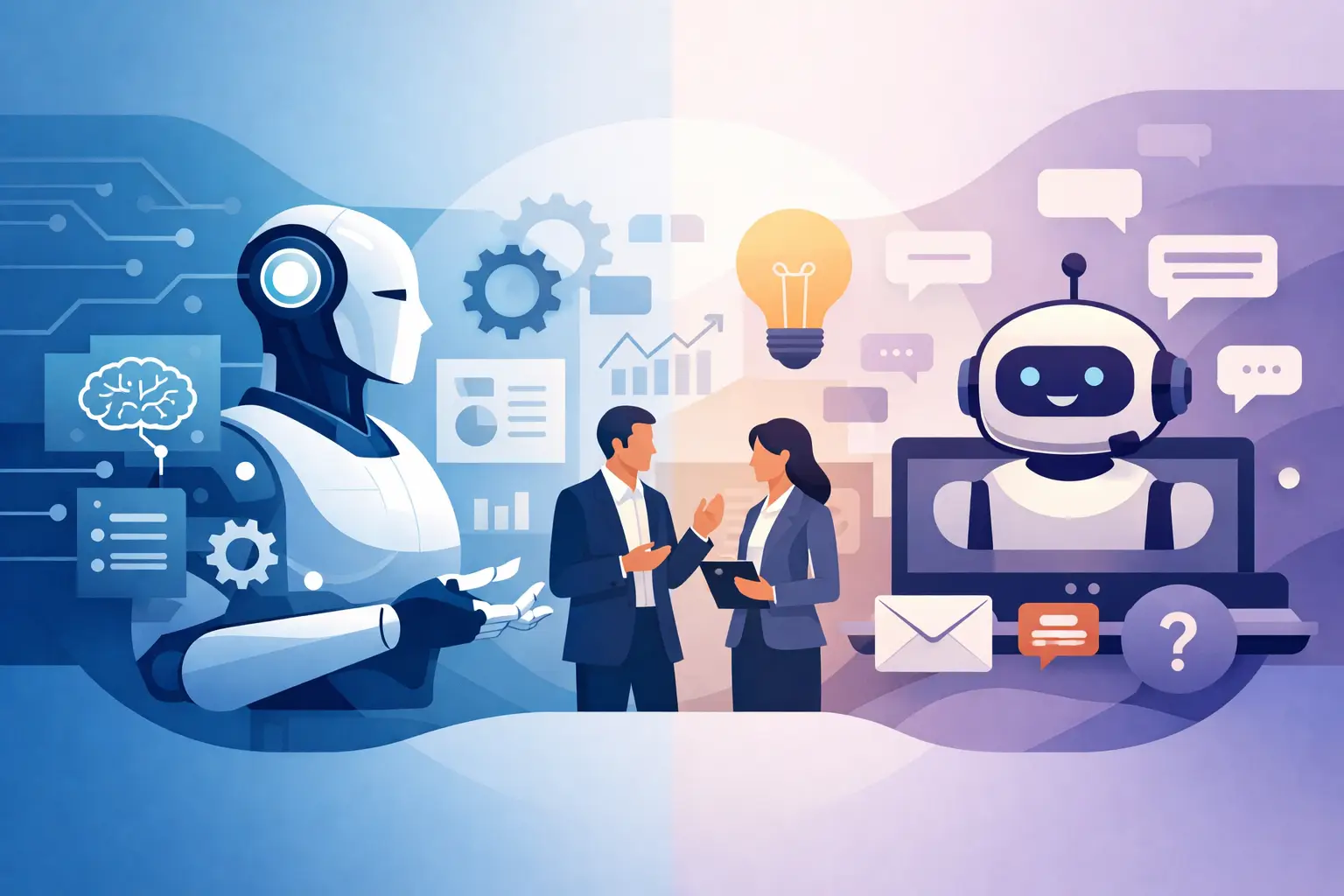
A customer asks where an order is. A chatbot can retrieve the answer in seconds. But what happens when the package is delayed, the customer qualifies for a replacement, inventory must be checked, and a service ticket needs to be created? That is where the practical difference between AI agents versus chatbots becomes a business decision, not just a technology trend.
For founders, operations leaders, and product teams, the question is not which tool sounds more advanced. It is which system can improve a defined workflow without adding risk, complexity, or a new maintenance burden. Chatbots and AI agents can both create real value, but they solve different problems and require different levels of planning.
AI Agents Versus Chatbots: The Core Difference
A chatbot is primarily designed to hold a conversation. It receives a prompt, finds or generates a response, and presents that response to a user. The best chatbots can answer common questions, guide visitors through a process, collect lead information, and direct people to the right resource or human team member.
An AI agent does more than respond. It can pursue a goal through a series of planned actions. Depending on its permissions and design, an agent can look up records, interpret business rules, use connected software tools, make recommendations, update a system, and report the result. It is closer to a digital team member working within a carefully defined scope.
The distinction is not always absolute. A chatbot may use AI to provide intelligent answers, while an AI agent may communicate through a chat interface. The important difference is what happens after the conversation starts. If the system only informs the user, it is generally functioning as a chatbot. If it can reason through steps and take approved action across business systems, it is functioning as an agent.
What Chatbots Do Best
Chatbots are often the right first move because they address high-volume, repeatable conversations with relatively contained risk. A website chatbot, for example, can qualify prospective clients, answer service questions, explain product options, schedule consultations, or route support requests based on urgency.
They are especially useful when your knowledge is already organized. If your team repeatedly answers questions about pricing ranges, onboarding requirements, appointment availability, shipping policies, account access, or service coverage, a chatbot can provide faster first responses while reducing the load on sales and support staff.
A well-designed chatbot should not pretend to know everything. It needs a trusted knowledge source, clear rules for when to escalate, and a tone that reflects your brand. For sensitive issues such as billing disputes, legal questions, medical guidance, or account security, the chatbot should collect the right context and hand the conversation to an authorized person.
The business benefit is straightforward: faster response times, fewer repetitive tickets, and more consistent customer experiences. The trade-off is that a chatbot usually does not eliminate the work behind the answer. It may tell a customer that an order is delayed, but a team member still needs to resolve the exception.
Where AI Agents Create Greater Operational Value
AI agents are built for the work after the question. They are valuable when a process requires information from multiple systems, decisions based on approved policies, and routine actions that currently consume employee time.
Consider an operations team that receives vendor invoices by email. An AI agent could read the incoming document, extract relevant fields, compare the invoice against a purchase order, flag exceptions, enter approved data into an accounting platform, and notify the correct approver. A person stays in control of exceptions and final approvals, while the repetitive coordination work is reduced.
In a sales environment, an agent could review inbound lead details, enrich records from connected business data, identify the appropriate sales route, draft a personalized follow-up, create a CRM task, and alert a representative when a lead meets high-intent criteria. In customer support, it could classify requests, retrieve account details, initiate approved service actions, and prepare a complete case for the support specialist.
This is why AI agents can produce larger efficiency gains than chatbots. They connect intelligence to execution. They also require more disciplined architecture because they touch operational systems, customer data, permissions, and business rules.
Agents need boundaries, not vague instructions
An agent should never be given broad authority simply because it can perform tasks. Its responsibilities must be narrow enough to test, monitor, and improve. Define what data it may access, which actions it may take, the dollar or risk thresholds that require approval, and the conditions that trigger human review.
For example, an agent may be allowed to reschedule appointments within a defined window but not cancel high-value contracts. It may draft a refund recommendation but require a manager to approve the payment. These controls are not obstacles to automation. They are what make automation dependable enough to scale.
Choosing Between a Chatbot and an AI Agent
The best choice depends on the friction you are trying to remove. Start with the workflow, not the tool.
Choose a chatbot when the main problem is answering, guiding, qualifying, or routing. It is a strong fit when users need immediate information and the response can be drawn from trusted content or a small set of systems. A chatbot is also a practical option when you want to validate demand for conversational AI before redesigning internal processes.
Choose an AI agent when the main problem is repeated coordination work. If employees spend hours moving data between applications, checking conditions, preparing routine communications, creating tickets, or following predictable procedures, an agent may be the better investment.
There are cases where the right answer is both. A customer-facing chatbot can capture a request, verify identity, and set expectations. Behind the scenes, an agent can gather account data, evaluate the request against policy, perform permitted actions, and return the completed result to the conversation. This combined model creates a smoother experience without giving an interface more authority than it should have.
The Architecture Behind Useful AI Automation
A business-ready AI solution is not just a language model connected to a prompt. It needs a clear data strategy, secure integrations, role-based access, logs, error handling, testing, and an ownership plan after launch.
For chatbots, that often means connecting approved knowledge sources, keeping content current, controlling the answers available to users, and measuring resolution and escalation rates. For agents, the architecture expands to include APIs, workflow orchestration, permission controls, approval stages, monitoring, and recovery paths when a connected system is unavailable.
Data quality matters in both cases. An agent cannot make reliable decisions from incomplete CRM records, outdated inventory feeds, or contradictory policies. Before automating, teams should identify the source of truth for each decision and correct the process gaps that create bad inputs. Automating a confusing workflow only makes confusion happen faster.
Security must also be designed from the beginning. Use the minimum data and permissions required for the job. Separate development, testing, and production environments. Keep records of actions the system takes. Review vendor and platform requirements carefully when personal, financial, health, or proprietary business data is involved.
A Practical Way to Start
Begin with one measurable process rather than a broad mandate to “use AI.” Good candidates are frequent, rules-based, time-consuming tasks with a clear business owner. Calculate the current effort: how many requests arrive each month, how long they take, how often errors occur, and what delay costs the business.
Then map the process from trigger to outcome. Identify the systems involved, decisions made, exceptions that require a person, and the result that indicates success. This process map often reveals whether you need a chatbot, an agent, or a simpler workflow automation without a conversational layer.
A pilot should have a limited scope and a review period. Measure response time, completion rate, escalation rate, employee time saved, customer satisfaction, and any errors or exceptions. Use the findings to refine prompts, policies, integrations, and approval controls before expanding the solution.
At SolidAppMaker, this type of work is approached as a product and operations initiative, not a one-time AI experiment. The goal is to build an automation system that fits the way your teams actually work, integrates with the tools you rely on, and remains manageable as your business grows.
The Real Opportunity Is Better Work Design
AI agents and chatbots are not competing technologies so much as different levels of capability. A chatbot can make information easier to access. An agent can make a defined process move forward. Neither is automatically the right answer, and neither should be deployed without a clear purpose.
The strongest next step is to identify one customer or internal workflow where delays, repetitive work, or inconsistent handoffs are holding back growth. Solve that problem with the appropriate level of AI, prove the value, and build from there.