
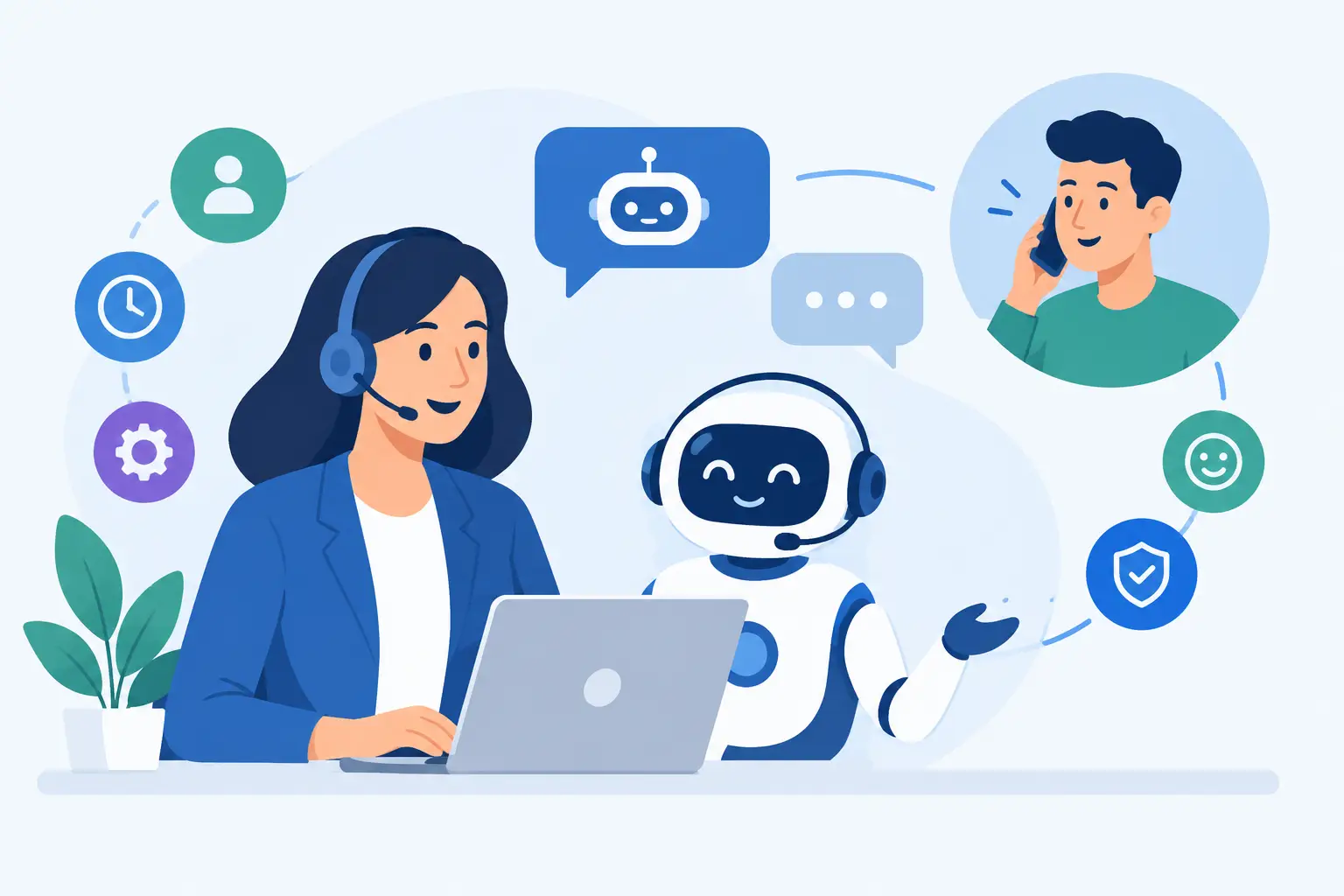
A customer submits a billing question at 10:47 p.m., a prospect wants pricing before booking a demo, and an existing client needs help resetting account access. If each request waits for business hours or a manual reply, the support experience starts with friction. So, can AI improve customer support? Yes – when it is designed around real customer journeys, connected to reliable business data, and supported by capable people.
For growing businesses, AI is not simply a chatbot added to a website. It is an operational layer that can classify requests, retrieve answers, automate routine actions, and give support teams the context to solve harder problems faster. The result can be shorter response times, lower support costs, and a customer experience that remains useful even as volume increases.
Can AI Improve Customer Support Without Losing the Human Touch?
AI improves support when it takes repetitive work away from people, not when it tries to impersonate them in every situation. Customers generally do not care whether an answer came from a person or an automated system. They care that the answer is accurate, timely, and appropriate to the problem.
A well-built conversational AI assistant can answer common questions around the clock, such as order status, service availability, password resets, onboarding steps, policy details, and appointment scheduling. It can also collect the information a support specialist needs before the handoff. Instead of beginning with, “Can you explain the issue again?”, the agent can see the customer’s account details, prior conversation, product tier, and the actions already attempted.
That is where AI supports a better human experience. The customer avoids repetition. The employee avoids manual searching and copy-pasting. The business gains a more consistent support process.
The human role still matters most when the situation is emotional, financially sensitive, technically complex, or outside a defined policy. A frustrated customer dealing with a failed payment, a service outage, or a high-value contract renewal needs judgment and accountability. AI should recognize those signals and route the conversation quickly rather than forcing the customer through an automated loop.
Where AI Creates the Most Value in Support Operations
The strongest use cases are usually not the flashiest ones. They are the high-volume tasks that follow recognizable patterns and consume time across the support team.
Faster answers for repetitive questions
Every support organization has a set of questions that arrive repeatedly. Customers ask how to get started, change account information, understand an invoice, track an order, or use a product feature. AI can search approved knowledge sources and respond in plain language, reducing the queue before it reaches a human agent.
The quality of those answers depends on the source material. If knowledge base articles are outdated, pricing rules conflict, or product documentation is incomplete, AI will surface the same confusion at greater speed. Before deployment, teams should identify the policies, product information, and support content that the assistant is allowed to use.
Better routing and prioritization
Not every ticket deserves the same workflow. An AI system can identify intent, sentiment, urgency, language, customer type, and product area from the first message. It can then direct a technical issue to engineering support, a cancellation request to retention, or a billing question to the right operations team.
This matters for growing companies that have specialized teams but lack the capacity to manually sort every incoming request. Intelligent routing reduces transfer delays and helps leadership see where demand is building. If a sudden spike in tickets mentions the same mobile app feature, that is useful product intelligence, not just a support backlog.
Agent assistance during live conversations
AI does not need to communicate directly with customers to deliver value. It can work behind the scenes by summarizing long ticket histories, recommending approved responses, extracting action items, and drafting follow-up notes after a call.
For support agents, this reduces the administrative work that surrounds each interaction. They can spend more time listening, troubleshooting, and building trust. For managers, standardized summaries and categorization create cleaner reporting without requiring agents to manually tag every conversation.
Automated actions across connected systems
The most valuable support automation often happens after a request is understood. With secure integrations, AI workflows can trigger actions in a CRM, help desk, scheduling platform, e-commerce system, internal database, or subscription platform.
For example, a customer may ask to reschedule an appointment. A properly designed system can verify identity, check availability, update the calendar, send confirmation, and record the interaction. That is more useful than an assistant that simply tells the customer to contact someone else.
The Limits of AI Customer Support
AI is not a substitute for service strategy, clean data, or trained employees. Businesses run into trouble when they treat it as a shortcut rather than a product that needs thoughtful design, testing, governance, and ongoing maintenance.
Hallucinated answers are a real risk, particularly when an assistant is asked about exceptions, regulations, technical specifications, or policies that have changed. The solution is not to let the model “be more creative.” It is to define trusted data sources, constrain what the system can answer, require confirmation for sensitive actions, and create clear escalation paths.
Privacy and security also need to be part of the architecture from the beginning. Support conversations can include contact details, account information, health data, payment issues, or internal business information. Companies should determine what data the system can access, how long it is retained, which employees can review it, and which workflows require authentication or human approval.
There is also a brand risk. A bot that answers confidently but incorrectly can damage trust faster than a delayed response. The right tone, fallback language, and handoff experience matter as much as the model selection. Customers should never have to argue with an automated assistant to reach a person.
How to Implement AI Support the Right Way
Start with support data, not with a tool purchase. Review ticket volume, top contact reasons, average response times, resolution times, transfer rates, and customer satisfaction comments. This reveals where automation can have a measurable effect.
Then choose one focused workflow. A company might begin with website lead qualification, order-status questions, internal agent assistance, or appointment changes. A narrow first use case makes it easier to define success, test accuracy, and improve the experience before connecting AI to more systems.
Next, map the customer journey in detail. What questions can AI answer? Which systems need to provide data? When should it ask for verification? What language signals a frustrated customer? At what point must the conversation move to a person? These decisions turn a generic assistant into a dependable part of operations.
Testing should include the questions customers actually ask, including incomplete messages, misspellings, unusual edge cases, and requests the business should not automate. Teams should also test the handoff process. An escalation is only successful if the human agent receives the conversation context and can take ownership without making the customer start over.
After launch, monitor performance continuously. Look beyond deflection rate, which only measures how many conversations did not reach a person. Track whether issues were actually resolved, whether customers return with the same question, how quickly escalations are handled, and whether satisfaction changes by issue type. A lower ticket count is not a win if customers are abandoning the process without help.
Building Support AI That Can Scale With the Business
The best systems are designed for change. Products evolve, policies shift, new customer segments appear, and support teams add channels. An assistant that is hard-coded to a static FAQ will become less useful over time.
A scalable approach connects conversational AI with a maintained knowledge source, clear workflow rules, secure APIs, and reporting that leadership can act on. It also gives business teams a practical way to update approved content without rebuilding the entire solution for every policy change.
For companies that need more than an off-the-shelf chatbot, a custom approach can connect support to the systems that already run the business. SolidAppMaker helps organizations plan, build, test, and maintain AI-powered workflows that fit their operations rather than forcing teams into a generic experience.
The most productive first step is to identify one support friction point your team sees every week. If AI can remove that friction while preserving accuracy and a clear path to human help, it can earn customer trust and create room for the business to grow.